[](https://github.com/tommy0103/obelisk/stargazers)
[](https://github.com/tommy0103/obelisk/releases)
[](LICENSE)
Every past session, subagent, and workflow -- queryable by your agent.
**Humans should not browse session history. Agents should query it.**
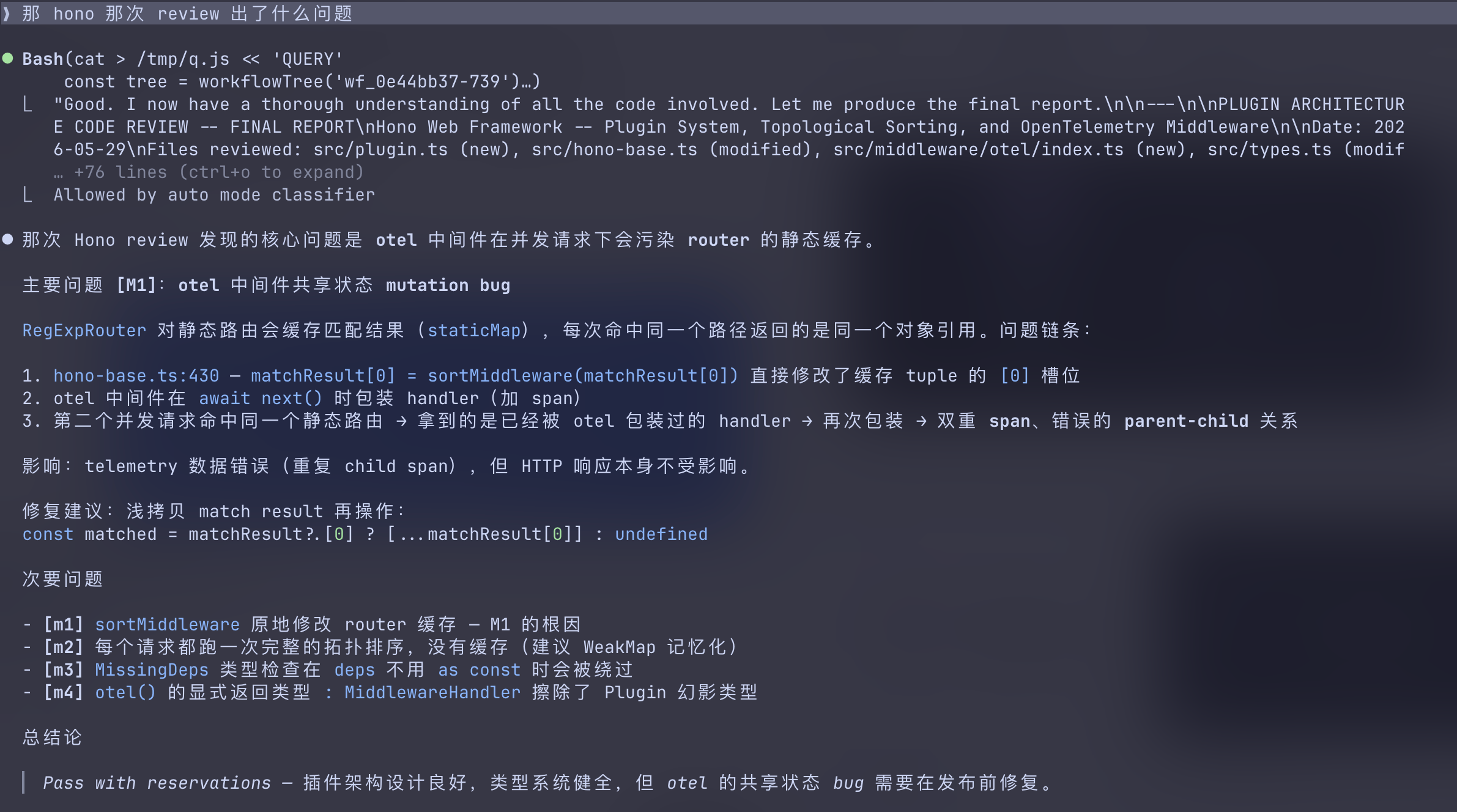
Ask in plain language. The agent writes the query, runs it, answers.
## Not a session browser
Most history tools help humans find old chats.
Obelisk is built for agents. It exposes past work as structured data: sessions,
messages, tool calls, subagents, workflows, file history, failures, and parent
chains. The agent writes the query, runs it locally, and answers in plain language.
You don't manage history. You ask questions about past work.
## Why Obelisk
| Session library | Obelisk |
|---|---|
| Find an old chat | Answer a question about past work |
| Human browses snippets | Agent writes and runs a query |
| Search result list | Structured context and reasoning |
| Sessions as documents | Sessions as queryable memory |
| Good for recall | Good for investigation |
## What you can ask
```
/obelisk 上次 auth bug 最后到底改了哪些文件,为什么这么改
/obelisk 这个文件最近在哪些 sessions 里被反复修改
/obelisk 找出最近失败的 tool calls,它们分别发生在哪些任务里
/obelisk 那个 review workflow 的 subagents 各自结论是什么
/obelisk 我之前有没有试过这个方案,结果为什么放弃了
```
Anything Claude Code has done before -- sessions, tool calls, subagents, workflows -- becomes structured, queryable memory. Ask in your own words.
## Install
```bash
npx skills add tommy0103/obelisk
```
Or manually: copy `obelisk/` into your project's `.claude/skills/`.
Then in any Claude Code session:
```
/obelisk
```
First run builds the index (~5 seconds for 100 sessions). After that it rebuilds incrementally.
### Requires
- Node.js 22+ (uses built-in node:sqlite with FTS5)
- Claude Code with skills support.
## How it works
```
You ask a question
↓
Agent writes a JS query against the SQLite index
↓
Runs it via node runtime.mjs --query